Your setup checklist
The step-by-step path from empty league to opening day.
For league adminsThis is the full path from a brand-new league to an opening day everyone can see. LeagueWaves tracks your progress as you go, so you always know what's left.
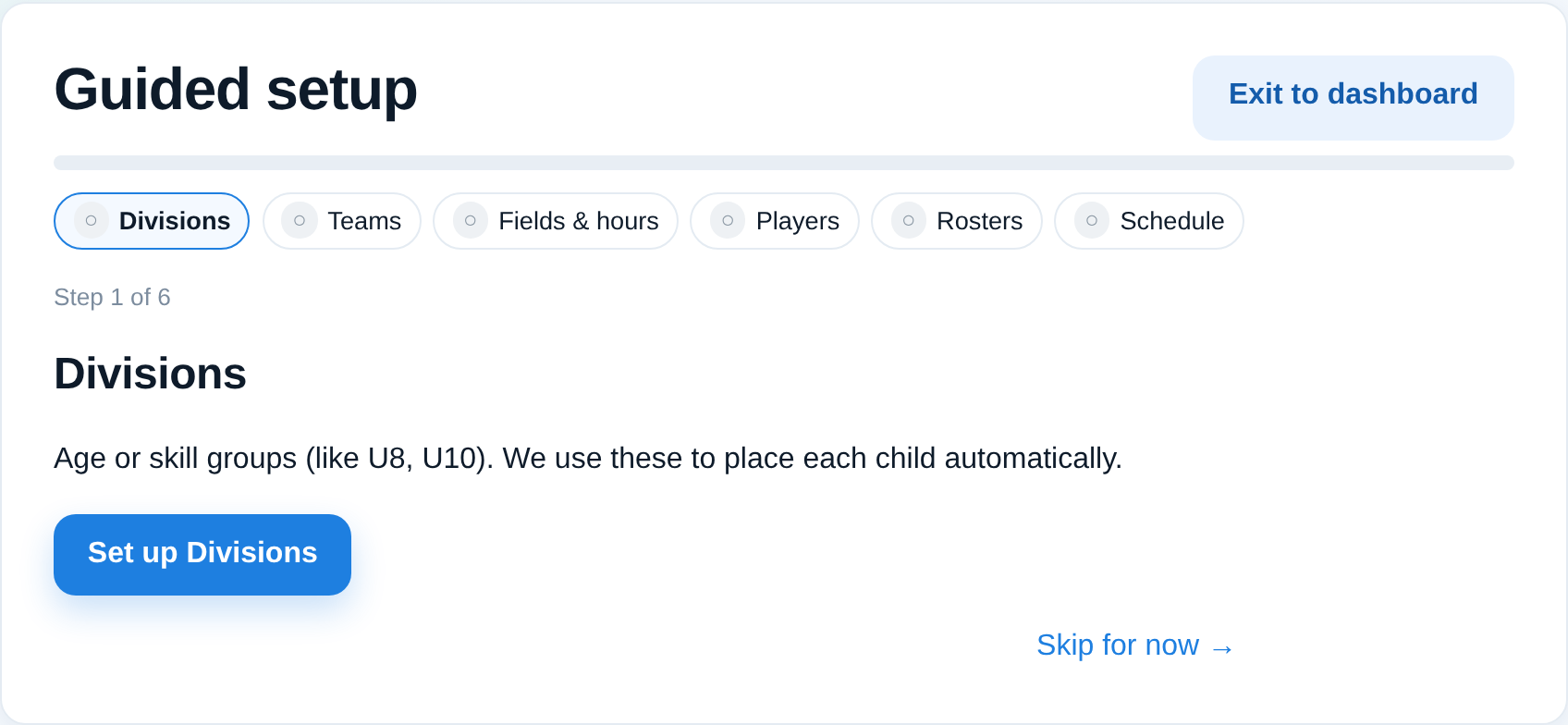
The steps, in order
- Divisions — create your age groups or brackets. See Create and manage divisions.
- Teams — add teams inside each division. See Create teams.
- Players — add them individually or by import. See Add a player and Import players from a spreadsheet.
- Rosters — place players onto teams. See Build team rosters.
- Fields & availability — set where you play and when. See Set field availability and blackout dates.
- Schedule — generate practices and games. See Generate the practice schedule and Generate the game schedule.
- People — invite coaches and families. See Add coaches and staff to a team.
- Launch — when it's ready, go live so families get their invitations and can see the schedule.
Tips
- You can work out of order and come back — the checklist shows what's still open.
- Build and preview everything privately; nothing reaches families until you invite them and launch.
- Setting up your league profile and logo early makes the app feel like yours from day one.