Generate the practice schedule
Auto-build a full practice schedule that respects each team's preferred night.
For league adminsInstead of placing every team's practice by hand, LeagueWaves builds the whole practice schedule for you — and it tries to give each team the night it prefers before it falls back to anything else.
Before you start
Make sure your fields have hours set (see Set field availability and blackout dates) and each team has a preferred practice night where you want one. The scheduler fits practices into the field time you've defined.
Steps
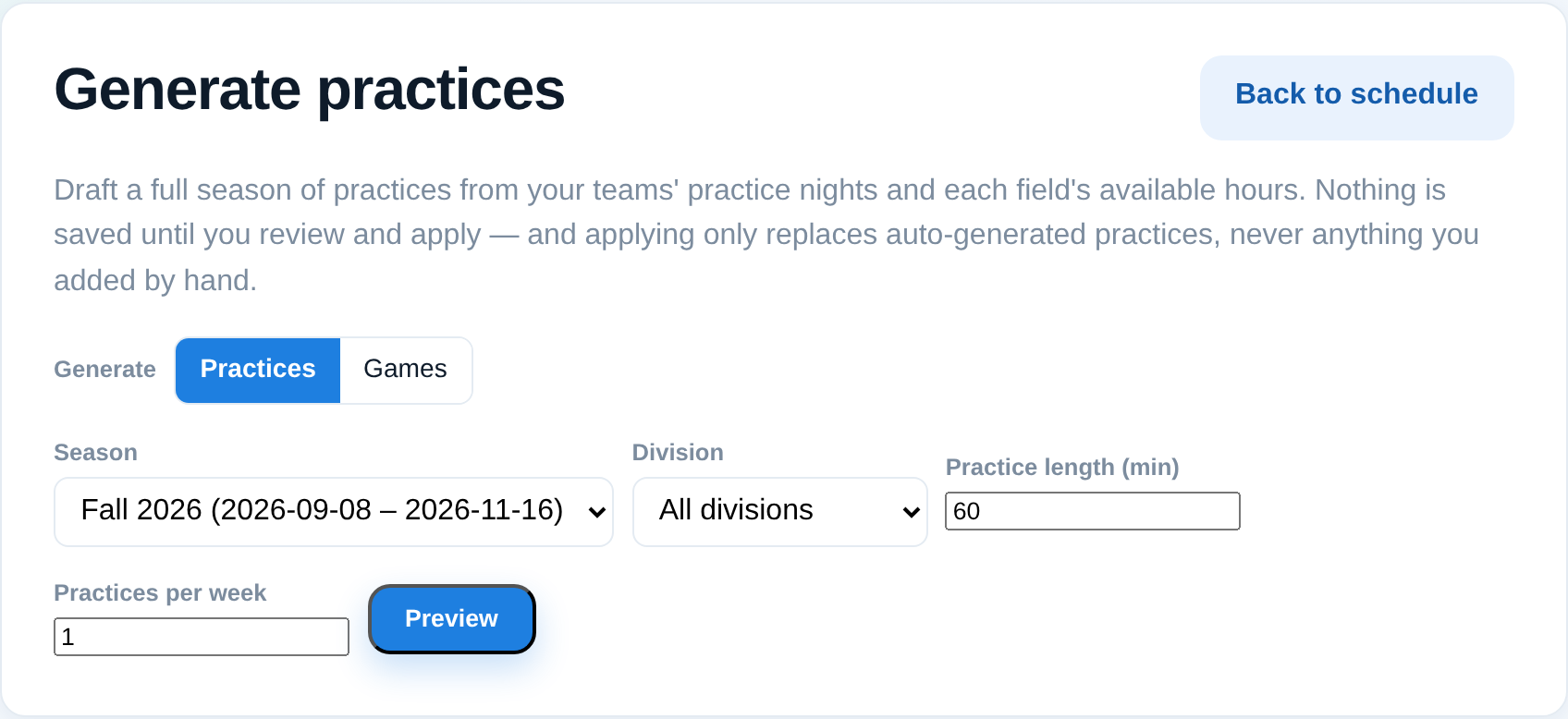
- Open Schedule and choose Generate schedule (it's a dedicated button — it's powerful, so we keep it front and center).
- Pick the season and review the options.
- Preview the result. This is a dry run — nothing is saved yet.
- Check that teams landed on their preferred nights. If it looks right, apply to save the schedule.
How it decides nights
The scheduler makes two passes: first it seats every team on its preferred night where the field time allows, and only then fills remaining teams into whatever slots are left. That two-pass approach avoids the common trap where an early team takes another team's preferred night.
Tips
- Preview as many times as you like — you only commit when you apply.
- If a team can't get its preferred night, it usually means that night's field time is full; add availability or adjust preferences and preview again.
- You can still fine-tune any single practice afterward (see Add or edit a single event).