Create teams
Add teams within a division, ready for players and a coach.
For league adminsOnce your divisions exist, add the teams that play in them. A team is where players and a coach come together, and where its own roster, schedule, and messages live.
Steps
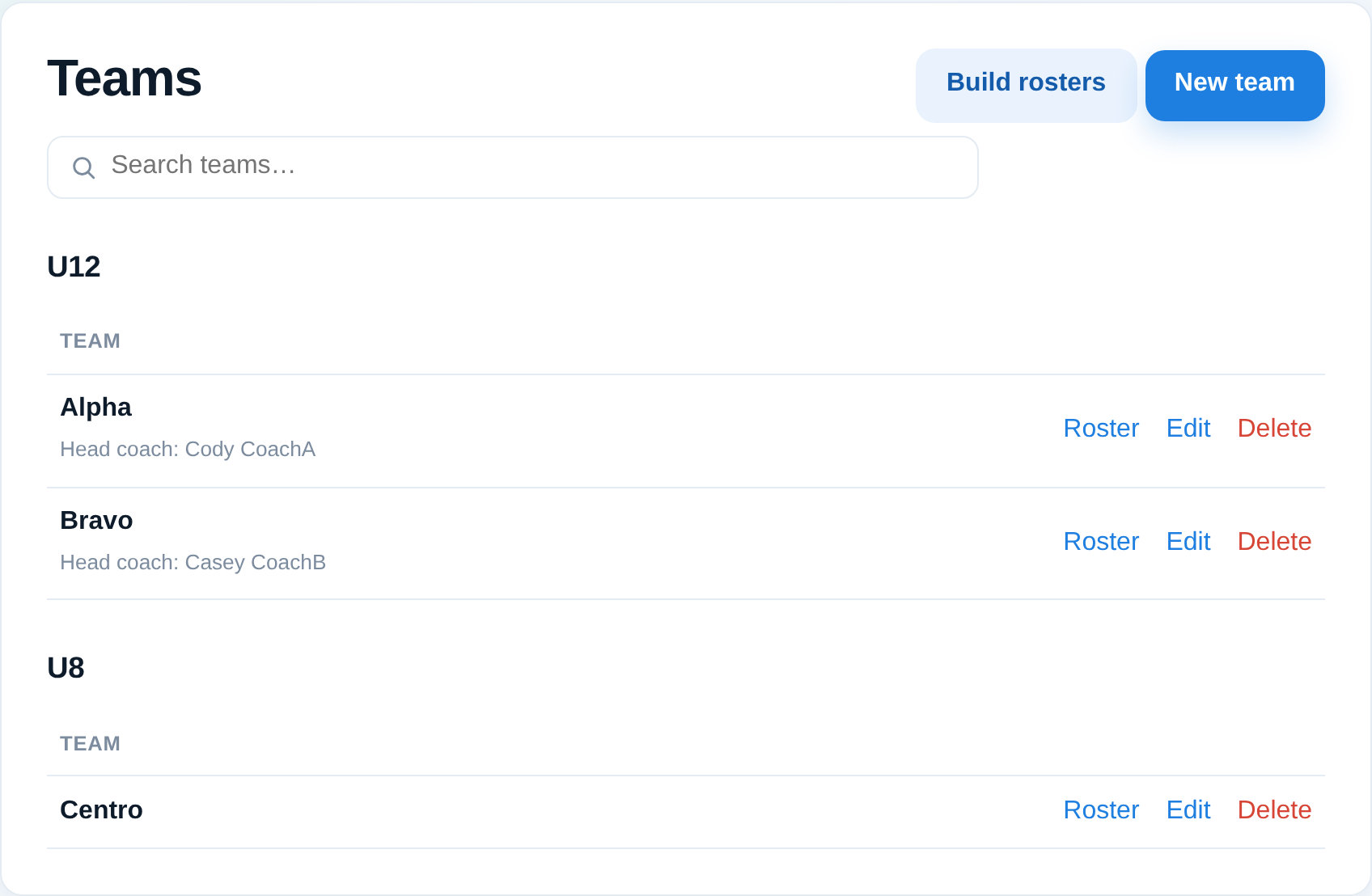
- Open Teams from the Roster menu.
- Choose Create team, pick the division it belongs to, and give it a name.
- Save. The team now appears under its division, ready for players and a coach.
What's next
- Add players to the team from the roster builder (see Build team rosters).
- Add a coach so they can manage the team (see Add coaches and staff to a team).
- Teams can be renamed or removed any time from Teams.
Good to know
- A team always belongs to exactly one division — create the division first.
- Empty teams are fine; you can create them all up front and fill rosters later.