Build team rosters
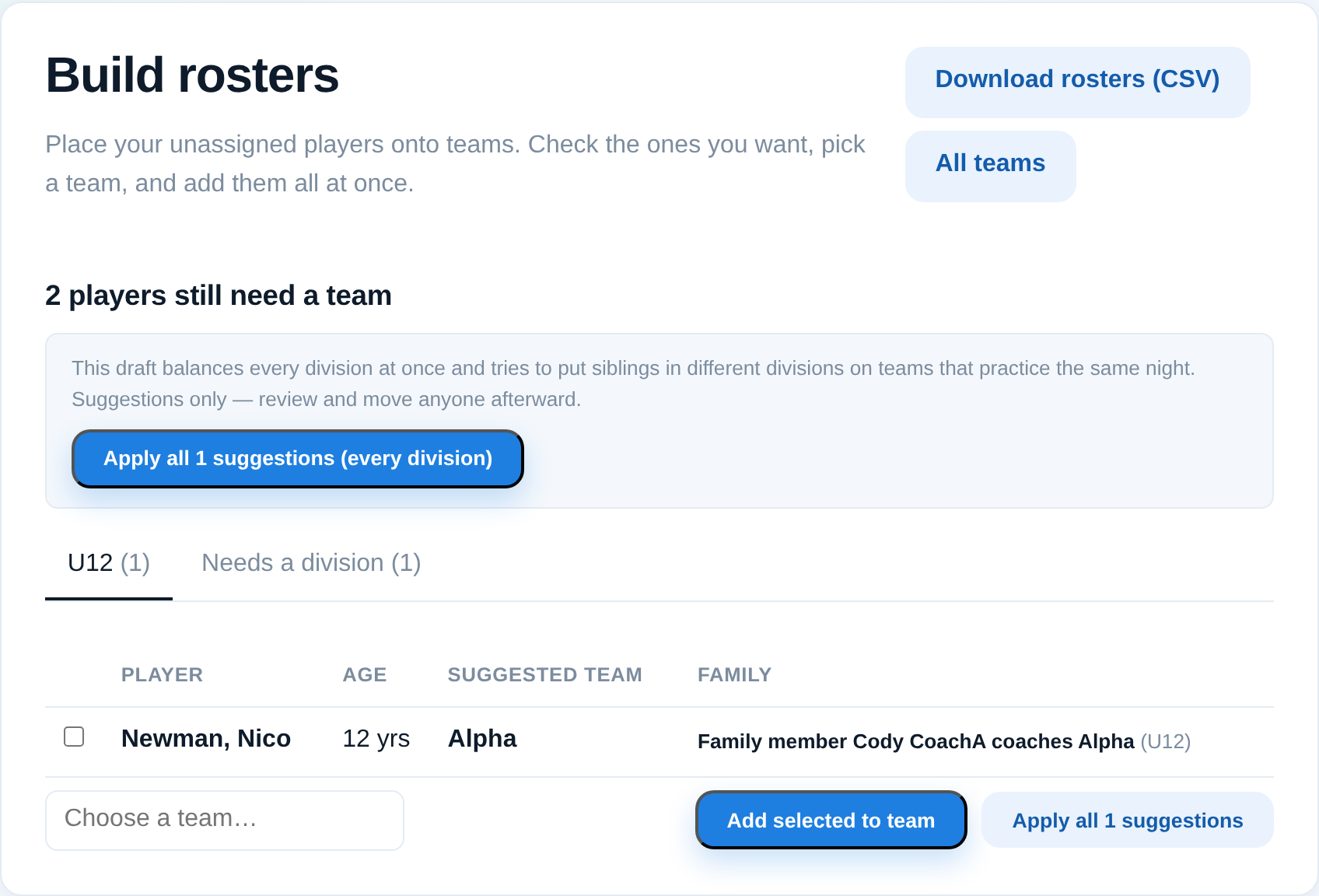
Assign players to teams — by hand or with suggested placements.
For league adminsOnce your players and teams exist, the roster builder is where you put players onto teams. You can place everyone by hand, or start from suggestions and adjust.
Steps
- Open the roster builder at the roster builder (from the Roster area).
- Pick the division you're working on. Unassigned players show on one side, your teams on the other.
- Assign players to teams — drag or use the assign control on each player. Counts update as you go so you can keep teams even.
- Prefer a head start? Use suggested placements, review them, and apply the ones you like. Nothing is saved until you apply.
Tips
- Balance by more than headcount — glance at ages or skill notes so teams are fair.
- You can always rearrange later; see Move or remove a player from a team.
- Coaches only see their own team's roster, so it's fine to build in stages.